
Augusta · North Augusta · CSRA
Mobile Conversion Checklist for CSRA Service Sites (Forms, Calls, Speed)
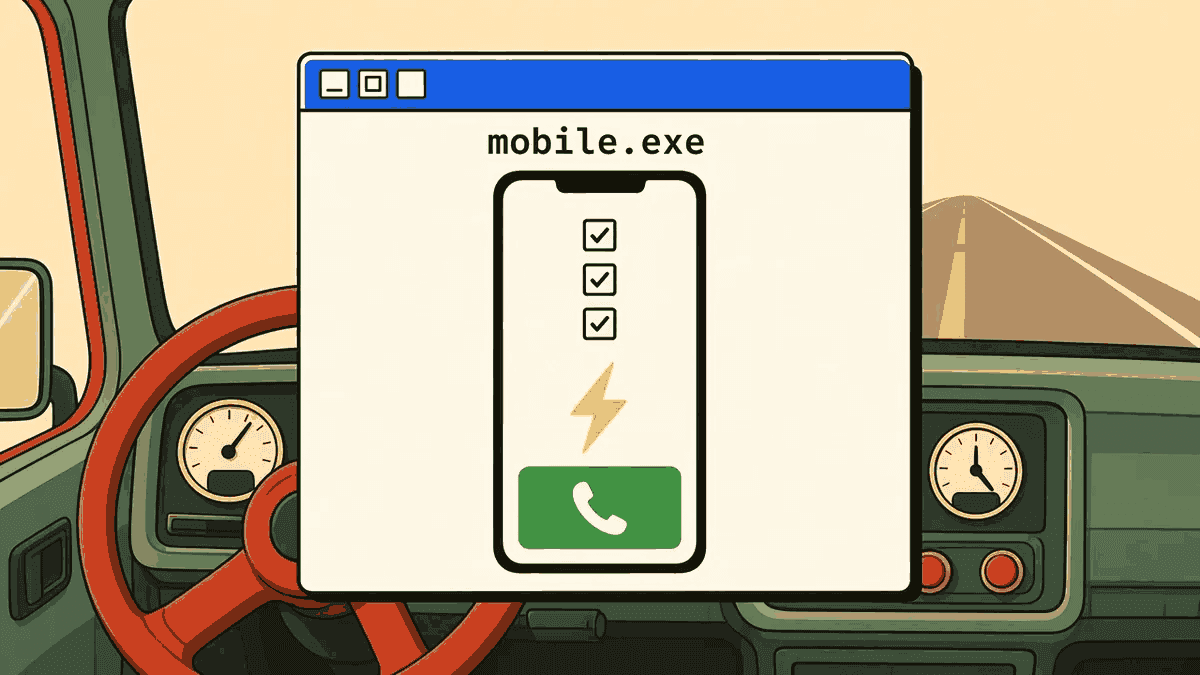
Most Augusta, North Augusta, and CSRA service businesses get the majority of their website traffic on a phone—someone searching from a truck, a kitchen, or a job site who wants an answer in seconds, not a scroll. Mobile conversion is the discipline of making sure that visitor can call, text, or fill out a form before they give up and tap the next result.
KN Marketing Solutions builds mobile-first sites through app development and ties them to lead generation so traffic actually converts. Book a strategy session if you want this checklist run against your current site.
Tap-to-call: the highest-leverage mobile fix
For urgent trades—HVAC, plumbing, electrical, auto repair, legal intake—the phone number is often the entire conversion path. Yet it's still common to find phone numbers that are not clickable, buried in a footer, or styled so small they're easy to miss on a small screen.
Checklist:
- Phone number in the header, styled as a visible, tappable link (
tel:markup) on every page, not just the contact page. - One number, consistently used—matching your Google Business Profile exactly, since mismatches hurt both trust and local SEO.
- Click-to-text as a secondary option—many people would rather text a question than call, especially outside business hours.
- Test on an actual phone, not just a browser resized smaller—simulated mobile views miss real tap-target and rendering issues.
Form friction: every extra field costs you conversions
A contact form with ten fields feels thorough to the business and exhausting to the visitor. For CSRA service sites, the goal is the minimum information needed to start a real conversation:
- Name, phone (or email), and one qualifying field (service needed, or a short "what's going on?" box) is often enough to start.
- Avoid CAPTCHA and multi-step forms unless spam volume genuinely requires them—each added step loses visitors, especially on mobile keyboards.
- Show a clear confirmation after submit ("we'll call you within X"), not a blank page or silent redirect that leaves someone unsure it worked.
- Route submissions instantly—a form that sits unread in an inbox for two days defeats the purpose of capturing it quickly.
This directly affects lead quality, not just lead volume—see our piece on why bad leads cost CSRA businesses more than people think for how vague forms create mismatched expectations downstream.
Core Web Vitals: speed is a conversion feature, not a vanity metric
Google's Web Vitals program measures the experience that actually predicts whether someone sticks around: how fast the main content loads (LCP), how responsive taps feel (INP), and whether the page jumps around while loading (CLS). On mobile connections—especially spotty coverage on rural stretches of Aiken County or I-520—these numbers translate directly into abandoned visits.
Quick priorities:
- Compress hero images on service pages; oversized photos are the most common LCP killer we see on local sites.
- Defer non-critical scripts (chat widgets, marketing pixels) so they don't compete with the phone number and form for the main thread.
- Reserve space for images and embeds so the tap-to-call button doesn't shift right as someone tries to press it.
For a full technical walkthrough, see our Core Web Vitals and page speed checklist for Augusta websites.
Above-the-fold clarity: answer "can you help me?" instantly
Before someone scrolls, mobile visitors need three answers: what you do, where you serve, and how to reach you. If any of those require scrolling past a large hero image or an animated slider, you are losing people who came from a specific, urgent search.
- Lead with a plain-language headline stating the service and the geography (e.g., "Emergency AC Repair — Augusta & North Augusta").
- Put the phone number and a short CTA button in the same visible section as that headline.
- Skip the slider—rotating banners hide the message from anyone who doesn't wait for the right slide, and they're a common source of layout shift.
Our broader piece on website design Augusta GA: what a marketing site must do covers how this above-the-fold discipline fits the rest of the homepage.
A short mobile audit you can run today
- Open your site on your own phone, on cell data, outside your office Wi-Fi.
- Time how long it takes to see the phone number and headline.
- Try tapping the phone number—does it dial immediately?
- Fill out your own contact form—count the fields and note any confusing step.
- Check whether anything shifts or jumps while the page finishes loading.
If any step feels slow or unclear to you, a first-time visitor with less patience will bounce sooner.
Who we are
KN Marketing Solutions builds mobile-first websites and conversion paths for Augusta GA, North Augusta SC, and CSRA service businesses. About.
FAQ
What's the single highest-impact mobile fix for service businesses? A visible, tappable phone number in the header on every page—most urgent-intent visitors will call before they fill out a form.
How many form fields is too many? For most service inquiries, more than 4–5 fields starts costing conversions—collect the rest after the first contact.
Do Core Web Vitals actually affect leads, or just rankings? Both—slow LCP and layout shift directly cause visitors to abandon a page before they ever reach the phone number or form.
Should I remove my homepage image slider? In most cases, yes—sliders hide your message from visitors who don't wait for the right frame and often hurt load speed and layout stability.
Can KN audit our mobile conversion path? Yes—book a strategy session and we'll walk your site on a phone together and flag the highest-impact fixes.
Sources
- web.dev — Web Vitals — definitions of LCP, INP, and CLS and how to think about mobile performance.
- Google Search Central — Understanding page experience in Google Search results — how mobile usability and speed fit overall page experience.
- Google Search Console Help — Core Web Vitals report — how to find which mobile URLs are struggling.
Next step
Download the CSRA growth playbook or book a strategy session to run a mobile conversion audit on your current site before your next ad or SEO push.
More from KN: services, CSRA local marketing, and about Kenny.
Ready for a working map?
Book a strategy session. Free design and build for up to 5 selected CSRA businesses a month and for LocateFaith members. A monthly plan is required; see How we work for the plans.